PDF to Image Converter
Convert PDF documents into high-quality PNG or JPG images instantly without uploading your files to any server.
Upload PDF File
Drag & drop PDF document or click to browse files
Export Settings
Free PDF to Image Converter Online – Convert PDF to JPG or PNG
In today’s digital world, documents are no longer limited to text alone. Images play a crucial role in presentations, websites, social media, and marketing materials. That’s why a free PDF to image converter online is an essential tool for students, professionals, designers, and businesses alike.
Whether you want to extract images from a PDF, convert pages into high-quality JPG or PNG files, or prepare print-ready visuals, an online PDF to image converter makes the process fast, secure, and effortless — without installing any software.
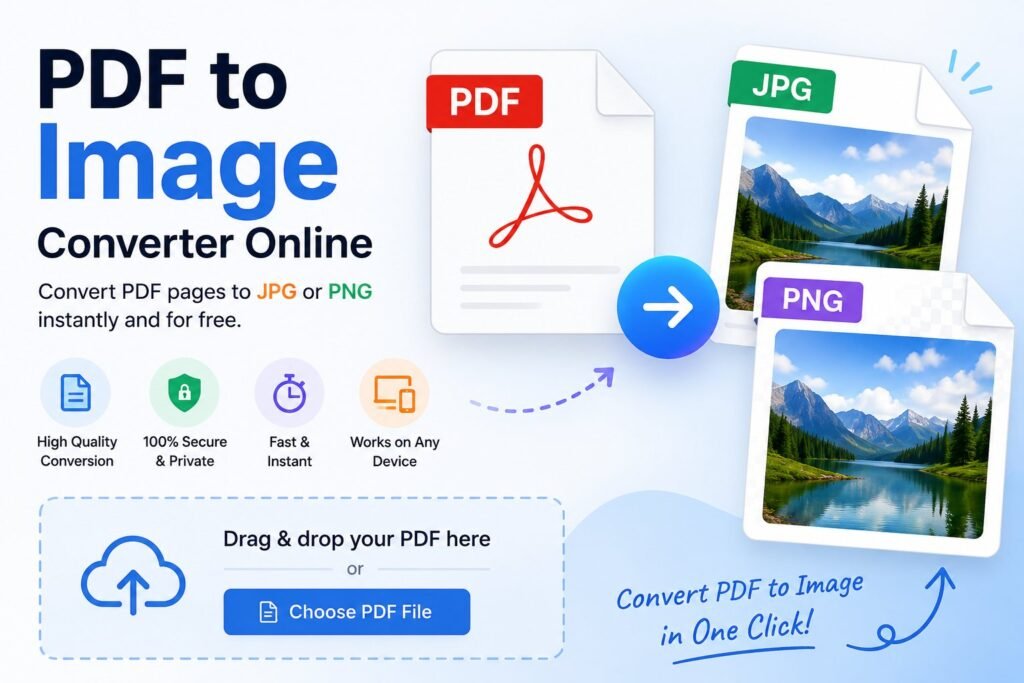
What Is a Free PDF to Image Converter Online?
A PDF to image converter is an online tool that transforms PDF pages into image formats such as JPG or PNG. Each page of the PDF is rendered as a separate image while maintaining the original layout, resolution, and aspect ratio.
This makes it ideal for:
Creating slides or presentations
Sharing individual pages on websites or social media
Extracting visuals for design projects
Preparing documents for printing
Learn more about the PDF file format itself from this trusted source:
👉 https://en.wikipedia.org/wiki/PDF
Key Features of the PDF to JPG/PNG Converter
This free PDF to image converter online is designed with performance, simplicity, and flexibility in mind. Below are the standout features that make it a powerful conversion solution.
🎨 Same Style & Format
The converter follows a consistent layout, structure, and user experience pattern used in modern online tools, ensuring smooth and intuitive navigation.
💜 Purple Gradient Color Scheme
A clean and visually appealing purple gradient color theme differentiates this converter while keeping it easy on the eyes and user-friendly.
🖼️ Format Selection – JPG or PNG
Users can choose between:
-
JPG – compressed format with adjustable quality
-
PNG – lossless format with transparency support
🎚️ Quality Control
For JPG output, an adjustable quality slider (1–100%) allows you to balance file size and image clarity. PNG remains lossless for maximum quality.
📄 Page Selection Options
Convert exactly what you need:
-
Convert all pages
-
Convert a specific page range
-
Convert a single page only
👀 Image Preview Before Download
Preview converted images directly in the browser before downloading, ensuring accuracy and satisfaction.
⬇️ Flexible Download Options
-
Download all images as a ZIP archive
-
Download images individually
🖨️ High Resolution Output (300 DPI)
Supports high-resolution rendering suitable for professional printing and publishing.
🔢 Automatic Page Numbering
Converted images are automatically named with page numbers for better organization.
⚡ Batch Processing
Efficiently converts multiple pages at once without slowing down your workflow.
Supported Output Formats
The converter supports the two most widely used image formats:
-
JPG – Compressed images with adjustable quality
-
PNG – Lossless images with transparency support
Both formats preserve layout, colors, and proportions accurately.
Advanced Image Quality Features
This free PDF to image converter online ensures professional-grade output with:
-
High-resolution rendering (up to 3× scale)
-
Adjustable JPG compression
-
Proper aspect ratio preservation
-
Clean rendering without visual artifacts
How the PDF to Image Converter Works
The conversion process is simple and user-friendly:
Upload your PDF file
The system automatically detects the total number of pages
Select output format (JPG or PNG), quality, and page options
Selected pages are rendered to a high-resolution canvas
Each canvas is converted into image data
Preview images instantly
Download images individually or as a ZIP file
All processing happens locally in your browser, ensuring privacy and security.
Why Use a Free PDF to Image Converter Online?
No software installation required
Works on all modern browsers
Secure local processing
Ideal for presentations, documents, and web use
Fast, lightweight, and beginner-friendly
For a reliable and easy-to-use solution, try this tool here: Useful Tool: PDF to Image Converter Online
Final Thoughts
A free PDF to image converter online is a must-have utility for anyone who works with digital documents. With flexible format options, high-resolution output, preview functionality, and full browser-based processing, this converter delivers professional results without cost or complexity.
Whether you’re extracting images for design, preparing pages for print, or sharing content online, this tool offers speed, quality, and complete control — all in one place.